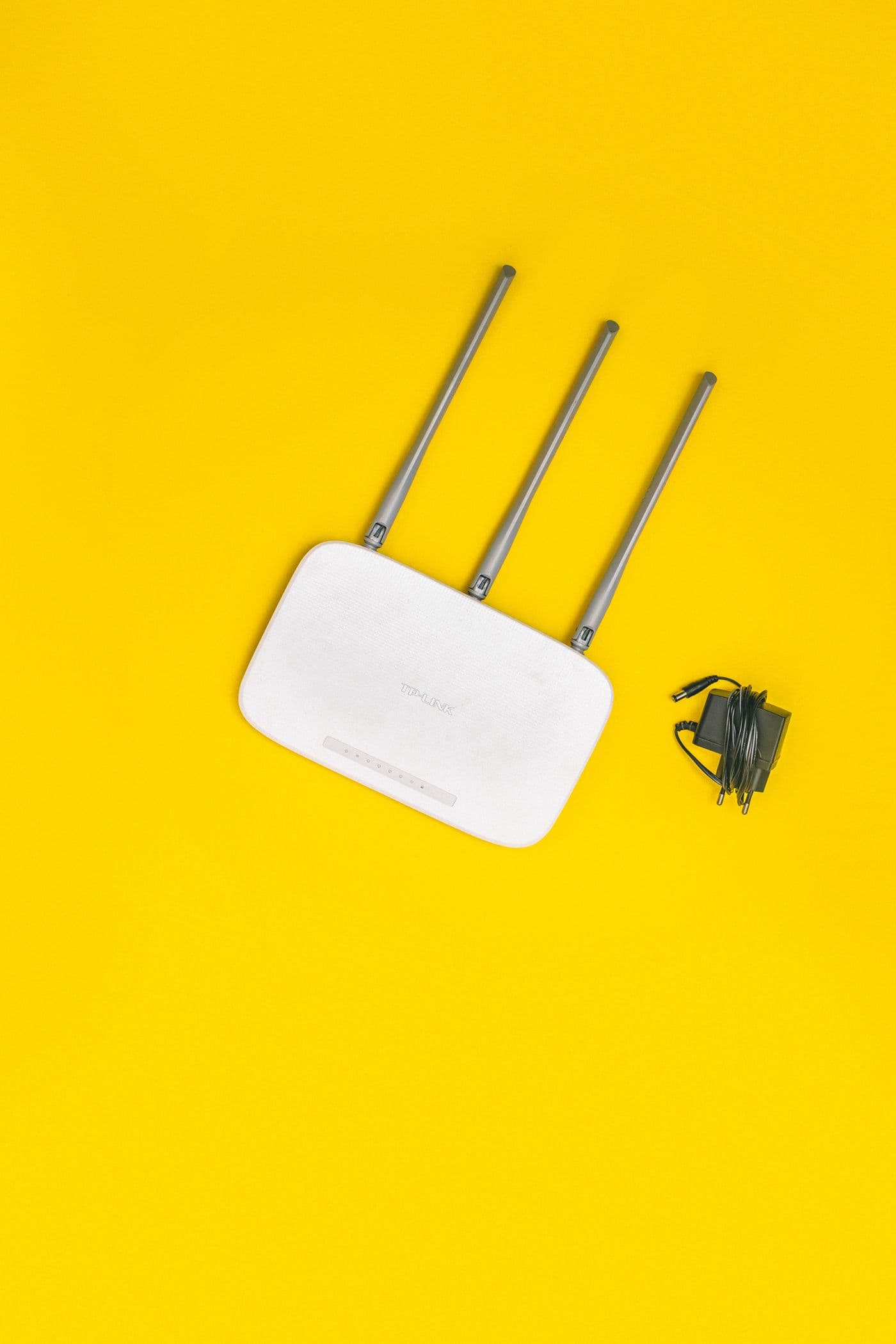
Before buying extra equipment, take a look at where your router lives. Your home’s layout and the objects around the router can affect wireless coverage. A few placement checks can help you understand where the connection needs attention.
Give the router a central, open spot.
Where your connection and cables allow it, place the router nearer the centre of the rooms you use. A shelf or table can be a better starting point than the floor. Keep it visible rather than tucked behind furniture or inside a cupboard.
Google’s placement guidance recommends an open, central position off the ground. The practical location will still depend on your cables, power outlet, and the layout of your home.
Look at what sits between you and the router.
TP-Link advises keeping the router clear of obstacles and considering the walls and other objects between the router and your devices. A convenient corner is not necessarily the best place for reaching the rest of a home.
Walk through the places where you actually use your connection: the work desk, the television, and the room used for online lessons. Note where your experience changes, rather than judging the entire connection from a single spot.
Make one change, then check again.
Try one feasible router position at a time. Repeat the same everyday activity in the same rooms after each move. Keep a short note of what improves and what stays the same, so you have something concrete to discuss if you need help.
Do not move installed access equipment, disconnect unfamiliar cables, or extend a power lead just to experiment. Ask for guidance when the position is limited by the installation.
Ask about the rooms that still need coverage.
If one location stays difficult to reach, describe that location and your router’s position when you contact support. A home with several floors or substantial walls may need a different wireless layout. Any additional equipment should be discussed for your specific space, rather than assumed to be included in your subscription.
Further reading
The placement guidance above draws on these manufacturers’ recommendations. Check your own equipment’s instructions for model-specific details.
Find a connection that fits.
Explore our unlimited plans, or start with a coverage enquiry for your address.
Explore internet plans